
Ordron
Automation guide

Accounts payable automation for Australian finance teams

Intake, coding, approval, posting and exception handling as one pipeline, not five bolted-on tools. Built for the Australian mid-market.

60 minutes. Written report. Yours to keep. Or start with the 5-minute diagnostic for instant results.

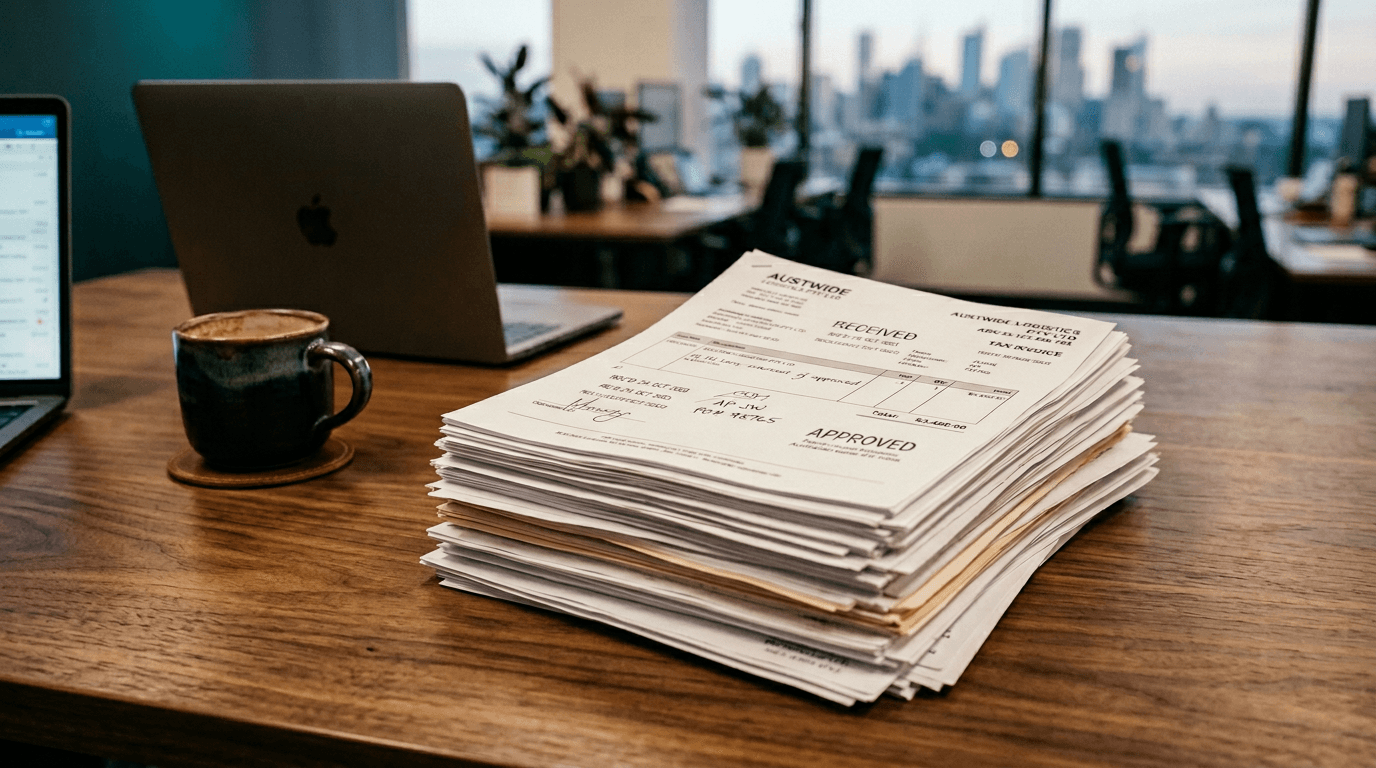
Editorial hero image for the accounts payable automation guide, set in an Australian finance workspace.

Read time

8 to 10 minutes

A pillar guide for finance leaders scoping accounts payable automation before briefing a vendor.

What this guide covers

This guide is for Australian finance leaders scoping AP automation before they brief a vendor or sign a contract. It covers the full AP pipeline: how supplier invoices land, how they are coded, how they get approved, how they post, and how exceptions are handled. The focus is on AP as a flow, because that is where the compounding cost lives. You will finish knowing what the mechanics look like, what good looks like, and where your current AP is probably leaking hours you have not measured.

The problem

Why AP is still the biggest manual drag in Australian finance teams

AP is the hardest finance function to pretend is fine. The volume is unavoidable, the variance is high, and the penalty for a missed detail, duplicate paid, late payment or wrong coding, compounds across supplier relationships and audit. Most Australian mid-market teams have stitched together a partial AP setup over the years: a Hubdoc or Dext layer at the front, the accounting platform at the back, and a human in the middle doing three things that should be automated and one thing that genuinely needs a human.

The trap is thinking of AP as a single step that can be outsourced to a tool. AP is a pipeline. The moment one stage is unreliable, the whole pipeline reverts to manual review. A capable AP team will tell you the work is not coding one invoice, it is triaging the batch: which of these 80 invoices need a human, which can post now, which are waiting on PO receipts, which look like a duplicate of something paid last week. That triage is the real AP job, and it is what automation has to do, not just read the invoice.

A five-person AP team processing 1,500 invoices a month at a $55 blended rate burns roughly $104,000 a year on work that should be a review exercise, not a data-entry exercise.

Where the hours go

The 5 workflows costing you the most time

Hours do not leak evenly. They cluster in a handful of named workflows, and automation pays back fastest when it targets the clusters rather than spreading thin across the whole function.

  • Re-keying bill header and line data from PDF to the ledger

    6 to 12 hrs/wk

    Even with Hubdoc or Dext in front of the ledger, the coding step is typically still manual. Suppliers drift across 40 PDF templates, and the capture layer never nails GL code, tracking category and job reference together. Finance opens the PDF anyway, confirms the vendor, corrects the category, and only then posts.

  • Chasing approvers on bills that have sat in a queue for a week

    3 to 6 hrs/wk

    Approval chase-up is the most consistently underestimated AP cost. A bill enters the workflow, the approver ignores the email, finance notices on Friday, messages, waits, re-escalates. Every recurring bill drags the same cycle every month. Time to approval, not time to code, is what blows out payment runs.

  • Matching bills to POs and receiving records across disconnected systems

    4 to 8 hrs/wk

    Two-way and three-way matching breaks when the PO lives in the ERP, the bill lives in the ledger, and the receiving record lives in a warehouse system. AP rebuilds the match by hand, tolerance-checking price and quantity against an email from operations, and posts against a GL code someone copied from last month.

  • Duplicate detection done from memory on a Tuesday afternoon

    1 to 3 hrs/wk

    Supplier duplicates are the silent AP cost. The same invoice arrives twice, once as a PDF, once as a resend, sometimes under a subtly different reference. Without learned matching across supplier plus amount plus reference plus date, duplicates slip through, and clawing a duplicate payment back is always more expensive than preventing it.

  • Month-end AP cut-off and accruals built by hand

    1 to 2 days/month

    Bills that should have posted before month-end but are still in the inbox, bills received early but relating to next month, accruals for goods received not invoiced. Every one of these is done manually in most AP setups, usually by the senior accountant, usually on the night before close, usually with a spreadsheet.

Cost of inaction

What manual AP is costing your team in dollars.

Slide in your team size, invoice volume and close duration. The calculator applies the same $55/hour blended rate used across this guide and translates the leaks into a dollar figure for accounts payable specifically.

Accounts payable calculator

What manual AP is costing your team in dollars.

Team size, invoice volume and close time. The headline and breakdown are always visible. Enter your email to unlock the top three AP automations for your stack and the PDF roadmap.

5people
1FTEs in finance and accounting30
300per week
0Bills in plus AR invoices out1,500
10days
1From period end to signed-off reports20
Current platformChanges the named automations shown

All dollar figures in AUD. Assumes a blended finance rate of $55/hour and 50 working weeks per year.

Your annual cost of manual finance

$106,400

Ordron-style automation typically captures $79,500 of that per year. On a typical $10,000 project, payback lands at roughly 7 weeks.

Unlock your breakdown

See every line, plus the prioritised roadmap for Xero.

One email. Unsubscribes in a click. You keep the report either way.

The mechanics

How accounts payable automation actually works

The teaching core of the guide. Each step is a mechanism, not an outcome. Read it as the architecture of a working pipeline, not a list of features.

  1. 01

    Intake: a single entry point for every supplier invoice

    Every supplier is directed to one AP email address or portal, and every channel (PDFs attached to emails, forwarded from operations, uploaded from a supplier portal, captured from Hubdoc or Dext) lands in the same queue. The goal at intake is not to read the invoice yet; it is to make sure no invoice enters the business through a path the automation cannot see. Shared inboxes with 40,000 emails are replaced by a structured intake log.

  2. 02

    OCR and line-level extraction tuned to your supplier mix

    An OCR layer pulls header fields (supplier, invoice number, date, total, tax) and line-level detail (description, amount, tax treatment) across the 30 to 50 supplier templates that cover most of your spend. The quality bar is not 100% accuracy on every supplier; it is a known confidence score per field, so the system knows what it is confident enough to post and what needs human review.

  3. 03

    Coding by a trained classifier, not a fixed rule table

    Supplier plus description plus historical coding pattern feeds a classifier trained on your own chart of accounts, tracking categories and job references. The output is a proposed bill with GL, tracking and job pre-filled to a confidence threshold. Rules still handle the trivial cases (utilities always hit the utilities code). The classifier earns its keep on the long tail where rules would need constant maintenance.

  4. 04

    Matching to PO and receiving records, with tolerance surfaced, not hidden

    Where POs exist, the incoming bill is matched against the open PO and the receiving record, with unit-price and quantity tolerances set at the account or supplier level. Matches inside tolerance auto-post. Mismatches route to a named owner (not a shared inbox) with the variance itemised: price delta, quantity delta, which line failed, and the last five bills from the same supplier for context.

  5. 05

    Approval routing with audit trail, on the device the approver actually uses

    Approvers receive a mobile-friendly link with the invoice image, the proposed coding, the historical context for the supplier, and a single tap to approve or reject. Delegation of authority is enforced in the workflow, not in an email thread. Every approval, edit and rejection writes back to the ledger with identity, timestamp and IP that stands up to an external audit.

  6. 06

    Exception handling as a first-class stage, not an afterthought

    Exceptions (failed match, missing PO, likely duplicate, unexpected supplier, over-threshold amount) go to a named owner with a reason code and an SLA. The exception queue is the CFO's single dashboard into AP health: how many, which type, whose desk, how old. Unresolved exceptions are the leading indicator of where AP is breaking next, well before they show up as a late payment or a duplicated spend.

Platform specifics

How accounts payable automation differs by platform

The mechanics are the same. The platform-level realities are not. Where Xero stops, where MYOB breaks, where NetSuite and SAP need a different approach.

Watch-outs

Four mistakes finance teams make trying to automate accounts payable

  • 01

    Buying an AP tool before fixing the supplier master

    Every AP automation project fails the same way if the supplier master is dirty. Duplicate suppliers, missing ABNs, inconsistent naming (the same supplier across three records) turn automated coding into automated mis-coding. Clean the supplier master first. It is a one-week job and it is the single cheapest improvement in the whole project.

  • 02

    Automating intake without automating exception handling

    OCR and auto-coding get most of the headlines. Exception handling gets most of the value. If the automation cannot decide what to do with a mismatch, a missing PO, or a suspected duplicate, finance reviews every invoice anyway, just more efficiently. Design the exception paths before you design the happy path.

  • 03

    Treating approval routing as an email workflow

    Approvals in an email inbox are not a workflow, they are a suggestion. Approvers ignore emails, escalations get lost, and the audit trail is a search string through Outlook. Approvals belong in an auditable workflow surface, on the device the approver actually uses, with delegation enforced in the system rather than through a reminder text.

  • 04

    Measuring AP automation success by volume, not by exception rate

    Processing 95% of invoices automatically is not the win if the 5% exceptions take more human hours than the old fully-manual process did. The right metric is exception rate and exception resolution time, not headline throughput. Track the exception queue on day one, not as a reporting afterthought.

The bar

What good accounts payable automation actually looks like

The principles an external auditor, a new CFO or an engaged operations lead would use to tell whether this is working, or whether it is theatre.

  1. 01

    Every invoice enters through one logged intake path

    Shared inboxes, supplier portals and forwarded PDFs funnel into one queue with a unique ID per invoice. No invoice is invisible to the automation.

  2. 02

    Every exception has a named owner and an SLA

    Exception categories are defined in advance (missing PO, over-tolerance, duplicate suspected, unknown supplier) and each has a human owner with a response time. No exception sits in a shared inbox.

  3. 03

    Audit trail is a by-product, not a separate project

    Every action on every invoice (received, coded, approved, posted, paid) writes to an immutable log with identity and timestamp. External audit becomes a query, not a scramble.

  4. 04

    Duplicate detection runs on supplier, amount, reference and date, not just invoice number

    Learned fuzzy matching catches the resends and the near-duplicates that exact-match logic misses. The cost of a daily detection run is trivial against a single prevented duplicate payment.

  5. 05

    The CFO has one dashboard with three numbers: volume, exception rate, time-to-pay

    Not a 40-widget dashboard nobody opens. Three numbers that show whether AP is healthy, drifting or broken, with drill-down only when a number moves.

Go deeper

Accounts payable automation on your platform

The guide you just read is function-first. Each platform hub is platform-first: the 10 named automations we ship on that platform, the integration pattern, and how accounts payable specifically plays out there.

Questions worth asking

Frequently asked questions about accounts payable automation

The questions a CFO types into Google when scoping the work, not the questions a vendor would prefer to be asked.

How long does AP automation usually take to implement for a mid-market finance team?

A typical mid-market AP automation engagement goes live inside 8 to 12 weeks. The first 2 weeks are supplier master clean-up and process mapping.

We already run Hubdoc or Dext. Does AP automation replace them or build on top?

Build on top. Hubdoc and Dext are capture layers, not full AP pipelines.

What happens to an invoice that does not match an open PO or has a price variance outside tolerance?

It routes to a named exception owner, not to a shared inbox.

How do approval thresholds and delegation of authority actually get enforced?

The delegation of authority matrix is configured in the workflow layer, not in email. A bill over $5,000 routes to the GM.

Can AP automation realistically catch duplicate invoices?

Yes, and catching duplicates is usually one of the first payback items. Learned matching runs on supplier plus amount plus reference plus date plus line-level fingerprints, not just invoice number.

What is the minimum invoice volume at which AP automation starts to make sense?

Roughly 200 invoices a month is where the business case becomes obvious. Below that, the manual process still fits in one person's workload.

How does automated AP fare under external audit or SOX-style review?

Better than manual, if it is built right.

Next step

Ready to see where accounts payable is costing you the most?

Book a Roadmap and we shadow your accounts payable workflows for an hour, then deliver a written report inside 48 hours naming the top three automations for your team. Or run the 5-minute diagnostic first, your call.

Book your Roadmap

60 minutes. Written report. Yours to keep.

Find your automation quick wins

5-minute diagnostic. Instant results.