
What Is Finance Automation? A Definitive Guide for Australian Finance Teams (2026)
Ordron32 min read
Most finance teams I speak to are not under-tooled. They have Xero, or an ERP that has been in place for a decade, or SharePoint folders full of invoice PDFs, and a shared inbox that never quite empties. The tools exist. What does not exist is the connective logic between them. Data gets re-keyed. Invoices sit in queues. Reconciliations run on a fortnightly cycle because running them weekly would cost a full day of someone's time. That gap, between the software already in place and the process that should be running automatically, is exactly what finance automation closes.
This guide is written for CFOs, finance managers, and finance operations leads in Australian businesses who are evaluating whether finance automation is worth pursuing. Not the hype version. Not a pitch for a new platform. A grounded, plain-English answer to the question of what finance automation actually is, what it covers, how it works in a real Australian finance environment, and what measurable results you can reasonably expect. Every figure in this guide is a post-implementation result from work we have shipped. No aspirational projections.
If you leave this page with one clear idea, let it be this: finance automation is not a rip-and-replace project. It is a layer that sits on top of your existing systems, drives the processes those systems currently require humans to run, and returns hours to your team. The software you already have is usually fine. What changes is how much of it runs without a person in the loop.
Key Takeaways
- Finance automation uses software to drive existing finance processes with minimal manual touch, without replacing your core systems.
- The most automatable finance processes include AP processing, invoice coding, purchase order matching, bank reconciliation, financial reporting, cash flow forecasting, and BAS lodgement.
- A generic automation template rarely survives contact with a real AP inbox, a legacy ERP with no APIs, or a multi-cost-centre invoice split. Specificity is what makes automation work.
- Legacy systems rarely need replacing. An RPA bot can drive an existing ERP interface directly and sync outputs to modern tools, leaving the core system untouched.
- Every result Ordron publishes is measured after go-live. The figures in this guide are real post-implementation outcomes: up to 85% reduction in manual work, 160-plus hours per month returned, greater than 95% AP coding accuracy, and 75% of supplier invoices auto-processed without human touch.
- If your team is doing repetitive, rule-based finance work more than a few times a week, you are a fit for automation.
Summary Table
| Finance Process | Automation Approach | Typical Outcome |
|---|---|---|
| Accounts payable processing | Email intake, OCR extraction, PO matching, auto-approval rules | 75% of invoices processed without human touch |
| Invoice coding | Intelligent document understanding, RPA coding logic | >95% coding accuracy, 65% reduction in cycle time |
| Purchase order matching | Automated PO-to-invoice reconciliation | Exceptions routed to humans only |
| Bank reconciliation | GL tag automation, rule-based matching in Xero | 80% reduction in AR reconciliation time |
| Financial reporting | Data sync from ERP and operational systems to live dashboards | Real-time visibility, replacing periodic manual pulls |
| Cash flow forecasting | Automated data aggregation from AR, AP, and bank feeds | Forecasts updated continuously, not monthly |
| BAS lodgement | Automated GST coding, data validation, ATO-ready output | Reduced preparation time and coding errors |
| Legacy ERP data sync | RPA bot driving existing ERP interface, syncing to Xero | 160+ hours per month returned, no ERP replacement |
What Finance Automation Actually Means
Finance automation is the use of software to execute finance processes that would otherwise require a human to perform them manually. That definition sounds simple, but the practical implication is worth spelling out clearly, because a lot of vendors muddy the water.
Automation is not a new system. It is not a platform migration. It is not artificial intelligence making strategic decisions on your behalf. At its core, finance automation means that a process your team currently runs by hand, opening an email, reading an invoice, typing a GL code, clicking approve, running a report, downloading a CSV and pasting it into a spreadsheet, now runs by itself, triggered by a defined event, following a defined logic, and producing a defined output.
The software layer that makes this happen sits on top of your existing systems. It does not replace them. A robotic process automation (RPA) bot can log into a twenty-year-old ERP the same way a human does, read the data on screen, validate it, and write the output somewhere else, all without the ERP needing an API, an upgrade, or a new licence. An optical character recognition (OCR) engine combined with intelligent document understanding can read a supplier invoice, extract the supplier name, ABN, line items, GST amount, and total, and pass that structured data to a downstream workflow, without any human opening the PDF.
The result is not a different finance stack. It is the same finance stack, running with far less manual labour attached to it.
The Difference Between Automation and Digitisation
This distinction matters in Australian finance teams specifically, because many businesses went through a digitisation phase in the 2010s and early 2020s and came away thinking they had automated things. They had not. Digitisation means replacing paper with digital files. Automation means replacing human action with software logic. A shared inbox full of PDF invoices is digitised. An inbox where those PDFs are read, extracted, coded, matched, and routed by software is automated. The gap between those two states is where most finance teams currently sit.
RPA, OCR, and Intelligent Document Understanding: The Core Technologies
Three technologies underpin most practical finance automation work:
Robotic Process Automation (RPA) replicates human actions in software interfaces. It can navigate menus, enter data, click buttons, and extract outputs from any system that has a user interface, including legacy ERPs with no APIs. RPA is rule-based and deterministic, which makes it well-suited to high-volume, repetitive finance tasks.
Optical Character Recognition (OCR) converts the text in scanned or digital documents into structured, machine-readable data. Applied to invoices, remittance advices, and contracts, OCR extracts values that would otherwise require manual reading and typing.
Intelligent Document Understanding (IDU) goes further. Where OCR reads text, IDU interprets it. It can identify that an invoice has three line items, that two of them belong to cost centre 4200 and one belongs to cost centre 4310, and that the supplier's ABN matches the vendor master. It handles variation in document layout, which is critical in AP automation where no two suppliers format their invoices the same way.
These three technologies, combined with custom-built data flows and workflow logic, are what Ordron assembles for each engagement. The exact combination depends on the exact process and the exact stack. Which brings me to the most important point in this entire guide.
What Finance Automation Actually Covers
When Australian finance teams ask about automation, they usually have one process in mind: accounts payable. AP is the right place to start. It is high-volume, rule-based, and disproportionately manual in most organisations. But finance automation extends well beyond AP, and a mature finance automation programme touches most of the transactional and reporting work a finance team does.
Accounts Payable Processing
AP automation is the most common entry point and, in most organisations, the highest-impact one. A fully automated AP process covers:
- Email intake: Supplier invoices arrive by email and are captured automatically, without anyone opening the inbox to sort them.
- Document extraction: OCR and IDU read each invoice and extract structured data: supplier name, ABN, invoice number, date, line items, GST, and total.
- PO matching: The extracted invoice is matched against the corresponding purchase order. Three-way matching (PO, goods receipt, invoice) can be automated for organisations with a receiving function.
- GL coding: Line items are coded to the correct general ledger accounts based on supplier, category, cost centre, or keyword rules.
- Approval routing: Invoices within preset thresholds are auto-approved. Invoices above thresholds, or those that fail matching, are routed to the appropriate approver with context attached.
- ERP posting: Approved invoices are posted to the ERP or accounting system without manual data entry.
For a detailed breakdown of how this works in an Australian context, see our guide to accounts payable automation in Australia.
Invoice Coding
Invoice coding is the step inside AP that causes the most errors and consumes the most concentrated human attention. Coding a multi-line invoice across multiple cost centres, particularly in a manufacturing, construction, or logistics business with complex chart-of-accounts structures, is slow, error-prone, and cognitively demanding. Intelligent document understanding, trained on an organisation's historical coding patterns, can handle this with greater consistency than a human processor working through a queue of three hundred invoices.
In a large enterprise distribution business I worked with, the finance team was processing high monthly invoice volumes across multiple cost centres manually. After deploying RPA combined with IDU to read, PO-match, and code invoices automatically, and routing only exceptions to human reviewers, we achieved greater than 95% coding accuracy. Invoice processing time fell by 65%. Human review was limited to genuine exceptions only. That is the standard finance automation should be held to: routing only exceptions to humans, not routing everything to humans with a software tool watching on.
Purchase Order Automation
Purchase order automation sits upstream of AP and is often the difference between an AP process that runs smoothly and one that does not. When POs are raised manually, late, or inconsistently, AP matching fails and invoices require exception handling. Automating PO creation, approval, and matching eliminates the root cause of many AP exceptions.
For a full breakdown, see our guide to how to automate purchase orders.
Bank Reconciliation and Accounts Receivable
Bank reconciliation is a process that most finance teams run periodically because running it daily is too time-intensive. Automation removes that constraint. Rule-based GL tag coding, automated matching of bank transactions to invoices and receipts, and exception flagging can bring reconciliation from a fortnightly or weekly manual exercise to a continuous background process.
I worked with a mid-sized freight operator running accounts receivable on Xero, with hundreds of recurring clients and a time-intensive manual reconciliation process. We automated GL tag coding, bank reconciliation, and aged-receivables reporting directly within Xero, with no additional software layer required. The outcome was an 80% reduction in time spent on AR reconciliation, with real-time aged-receivables visibility replacing a periodic, manual review cycle. No new software. Same Xero instance. The gap was the logic, not the tool.
Financial Reporting
Financial reporting automation replaces the manual process of extracting data from multiple systems, consolidating it in a spreadsheet, checking it, formatting it, and distributing it. An automated reporting layer pulls data from the ERP, operational systems, and bank feeds, applies the required calculations and formatting, and delivers the output on a defined schedule or on demand.
For finance teams producing weekly or monthly management reports, this shift is significant. The report exists before anyone has opened a laptop. For more detail, see our guide to how to automate financial reporting.
Cash Flow Forecasting
Manual cash flow forecasting requires a finance team member to aggregate AR ageing, AP due dates, payroll obligations, and bank balances, then apply judgement about timing. This is typically a monthly or fortnightly process because it is too labour-intensive to run more frequently. Automated forecasting pulls these inputs continuously and maintains a rolling forecast that updates as conditions change.
For Australian businesses managing seasonal cash flow, trade credit terms, or multi-entity structures, a continuously updated forecast is operationally useful in a way a monthly snapshot is not. See our guide to how to automate cash flow forecasting for the full breakdown.
BAS Lodgement
Business Activity Statement preparation involves aggregating GST collected and paid, applying the correct tax codes, reconciling against the general ledger, and producing an ATO-compliant output. Each of those steps is automatable. Automated GST coding at the point of invoice processing means BAS preparation becomes a validation exercise rather than a data-gathering one.
For Australian businesses lodging quarterly or monthly, this is a meaningful time saving and a meaningful risk reduction. Coding errors in GST treatment are one of the more common causes of ATO compliance issues for SMEs. See our guide to how to automate BAS lodgement for specifics.
How Finance Automation Works in Practice
This is where most explanations of finance automation go wrong. They describe the destination without describing the terrain. The reality is that finance automation is a specificity problem. A generic workflow template does not survive contact with a real finance environment. Let me be precise about why.
The Specificity Problem
Every AP inbox is different. Some suppliers send PDFs. Some send EDI files. Some send scanned images that are four generations of photocopy away from legible. Some send invoices with no PO reference. Some send one invoice covering three cost centres with no line-item breakdown. An automation layer built on a generic template will process the clean, well-structured invoices and fail on everything else, which, in most Australian businesses, is a significant proportion of the volume.
The same applies to ERPs. A cloud-based ERP with a well-documented API is a straightforward integration target. A twenty-year-old ERP running on a local server with no API, no webhook, and a proprietary data format is a different problem entirely. Most automation vendors will tell you to upgrade the ERP first. That is the wrong answer in most cases.
The Automation Layer Model
Ordron's approach is to build an automation layer that sits between your existing systems and the outputs you need, without modifying those systems. Here is what that looks like in practice.
I worked with a family-owned logistics operator running a twenty-year-old ERP alongside Xero. Finance staff were manually re-keying data between the legacy system and reporting tools, consuming more than 160 hours every month. There was no API. There was no modern data export. There was a user interface that a human had been clicking through for two decades.
We built an RPA bot that drives the legacy ERP interface directly, the same way a human does, navigating menus, reading data, validating entries against a SQL layer we built alongside it, and syncing clean data into Xero and live reporting dashboards. The ERP was not replaced. It was not modified. No new software licences were required beyond the automation tooling itself. The outcome was 160-plus hours per month returned to the finance team.
That is the automation layer model. The existing system stays. The bot does the work the human was doing. The output flows to wherever it needs to go.
What the Build Process Looks Like
A finance automation engagement does not start with a demo or a template. It starts with the exact process. That means mapping every step of the current workflow, identifying where data enters, where it is transformed, where it is validated, where it is approved, and where it goes next. It means understanding the failure points: where do errors occur, where do things get stuck, and where does someone have to make a judgement call.
The judgement calls matter because they define the boundary of automation. Automation handles rule-based decisions with confidence. Decisions that require context, relationship knowledge, or commercial judgement are routed to a human. The design question is not "can we automate everything?" It is "what is the minimum set of human decisions required, and how do we make those decisions as efficient as possible for the person making them?"
Once the process is mapped, the build covers:
- Data extraction and intake: OCR, IDU, or API connections to capture inputs.
- Validation logic: Rules that check whether the input data is complete, consistent, and within expected parameters.
- Processing logic: The actual workflow steps: matching, coding, routing, posting.
- Exception handling: A defined path for inputs that fail validation or fall outside auto-approval thresholds, routed to a human with context attached.
- Output and sync: Writing results to the target system, whether that is Xero, an ERP, a SharePoint list, a reporting dashboard, or all of the above.
- Monitoring and alerting: A mechanism to flag when the automation encounters something it cannot handle, so a human can intervene before it becomes a downstream problem.
The exact automation shipped for each organisation is different because the process, the stack, and the failure points are different. That specificity is not a complication. It is the work.
Why Generic Templates Fail
A national manufacturer I worked with was processing thousands of supplier invoices monthly through shared inboxes. Invoices arrived by email, were manually sorted, coded, matched to purchase orders, and routed for approval, creating bottlenecks and coding errors across the team.
We deployed email intake automation, OCR extraction, PO matching logic, auto-approval rules for invoices under preset thresholds, and a live spend dashboard for finance managers. The specificity required here was significant: the manufacturer's chart of accounts had over four hundred active GL codes, supplier invoices arrived in eleven different formats, and three of their largest suppliers used non-standard GST treatment that required custom validation rules.
A generic AP automation template would have processed maybe 30% of that volume correctly and created a manual exception queue for the rest, negating most of the benefit. The custom build processes 75% of invoices automatically with no human touch. The finance team has real-time spend visibility replacing a reactive, inbox-driven process.
The difference between those two outcomes is specificity.
The Contrarian Truths About Finance Automation
There are two things the finance automation industry gets consistently wrong, and I want to be direct about them because they affect every buying decision an Australian finance team makes.
Legacy Systems Rarely Need Replacing
The standard advice from most software vendors is that meaningful automation requires a modern, cloud-based ERP with open APIs. This advice has a commercial motivation: selling you a new ERP. It is also, in most cases, wrong.
RPA can drive any system that has a user interface, including systems built thirty years ago. The bot does not care whether the ERP has an API. It reads the screen and acts on it, the same way a human does. The output is then synced to modern tools, Xero, Power BI, a SharePoint list, a reporting dashboard, without the source system being touched.
ERP replacement projects are expensive, risky, and disruptive. They take twelve to thirty-six months in a best-case scenario and frequently overrun on both time and budget. Ordron's position is that you should not replace your ERP until you have a business reason to do so that is not "our automation vendor told us to." The logistics operator I described earlier recovered 160-plus hours per month from a twenty-year-old ERP with no APIs. That is the evidence base for this position.
This does not mean legacy systems are ideal. They have real limitations in terms of reporting capability, user experience, and scalability. But those are separate problems from automation. The question of whether to replace your ERP and the question of whether to automate your finance processes are independent questions, and conflating them is a mistake that costs time and money.
Projections Are Not Results
Most finance automation vendors will give you a projected ROI before they have seen your process, your data volumes, or your system stack. They will tell you that businesses like yours typically save X hours per month or reduce AP costs by Y percent. These projections are not lies, exactly. They are estimates based on averages, presented as if they apply to your specific situation, which they do not.
Ordron's position is straightforward: we measure nothing until after go-live. Every figure published in this guide, every figure in any Ordron case study, is a post-implementation result. It comes from the actual process running in the actual environment, with the actual data volumes, measured over a defined period after the automation went live.
This matters for two reasons. First, it means the numbers you see here reflect what was actually achieved, not what someone hoped would be achieved. Second, it changes the accountability structure of an engagement. When you know the measurement happens after go-live with real numbers attached, the incentive is to build something that actually works, not something that looks good in a presentation.
For Australian finance teams evaluating automation, this is the question to ask any vendor: are these figures pre-implementation projections or post-implementation measurements? The answer tells you a great deal about how that vendor thinks about outcomes.
Measurable Outcomes Finance Teams Can Expect
These are results from work we have shipped, measured after go-live. They are not guarantees, because every engagement is different, and the outcome depends on the process, the data quality, the volume, and the complexity of the existing stack. But they are real numbers from real Australian finance environments.
Hours Returned to Finance Teams
The most significant outcome for most finance teams is not cost reduction. It is time. Finance teams doing high-volume manual work have a structural problem: the volume of work grows with the business, but adding headcount is expensive and creates management overhead. Automation breaks that coupling. Volume can grow without proportional growth in manual labour.
The maximum hours-returned figure we have measured is 160-plus hours per month, in the logistics operator case I described. That is the equivalent of one full-time finance position, returned to other work. Across our engagement portfolio, an up-to-85% reduction in manual work is the top result measured across eight industries.
AP Coding Accuracy
Manual invoice coding accuracy in high-volume AP environments typically runs between 92% and 97%, depending on the complexity of the chart of accounts, the training and experience of the processor, and the quality of the invoice itself. At 95% accuracy on one thousand invoices per month, that is fifty coding errors every month. Each error requires correction, which takes time. Some errors flow through to financial statements and require adjustment entries. Some affect GST treatment and create compliance exposure.
With intelligent document understanding and RPA, we have achieved greater than 95% coding accuracy in complex, multi-cost-centre environments. The difference between human accuracy and automated accuracy is not always large in percentage terms. The difference in downstream consequences is significant, because automated errors are systematic and correctable, while human errors are random and harder to catch.
Supplier Invoice Auto-Processing Rate
The 75% auto-processing rate achieved in the national manufacturer engagement means that three out of every four invoices are received, extracted, coded, matched, and posted without a human touching them. The remaining 25% are routed to a human reviewer with the extracted data, the matching result, and the reason for exception already attached. The human makes a decision. The automation posts the result.
This is not a 75% solution. It is a system where 75% of the work has been eliminated and the remaining 25% has been made significantly more efficient, because the human is reviewing a structured summary rather than processing from scratch.
AP Cycle Time
In a national logistics provider operating across multiple depots, the AP batch processing time was reduced from four hours per batch to fifteen minutes per batch after deploying OCR and a SharePoint-based workflow. This is a cycle time reduction, not a headcount reduction. The same team now processes more volume in less time, with lower error rates, and with a full audit trail attached to every invoice.
AR Reconciliation Time
The 80% reduction in AR reconciliation time in the freight operator engagement represents a shift from a process that consumed a significant portion of a finance officer's week to one that runs in the background and surfaces exceptions. The finance officer now spends time on the exceptions and on analysis, rather than on the mechanics of matching.
How to Know If Your Finance Function Is Ready for Automation
There is no universal readiness threshold. But there are signals that indicate a finance function is a strong fit for automation work.
Signal One: High-Volume Repetitive Tasks
If your team processes more than two hundred invoices per month, runs reconciliations more than twice a month, or produces the same report more than once a week, you have volume that justifies automation. The higher the volume, the faster the return.
Signal Two: Known Failure Points
If you can name the steps in your process where errors occur, where things get stuck, or where a particular person is a bottleneck, those are automation candidates. The clearer the failure point, the more precisely an automation can be built to address it.
Signal Three: Manual Data Movement Between Systems
If anyone on your team is copying data from one system to another, whether that is from an ERP to Xero, from Xero to a spreadsheet, or from a spreadsheet to a report, that movement is automatable in almost every case. The question is only how.
Signal Four: Reporting Lag
If your management reports reflect data that is a week or more old by the time they are distributed, the lag is a process problem, not a data problem. The data exists. The manual steps required to extract, consolidate, and format it create the lag. Automation eliminates those steps.
Signal Five: Compliance Pressure
If your team is under pressure from audit requirements, GST compliance obligations under ATO guidelines, or internal controls frameworks, automation provides both a solution and an audit trail. Every automated action is logged. Every exception is documented. The audit evidence is a by-product of the process, not an additional task.
What Does Not Need to Be in Place First
You do not need a modern ERP. You do not need an API-first stack. You do not need to have completed a digitisation project. The automation layer works with what you have. If your team is doing repetitive, rule-based finance work more than a few times a week, that is sufficient grounds to start the conversation.
The most useful first step is to map the process, identify the failure points, and estimate the volume of work that is rule-based versus judgement-based. That is what Ordron's finance automation assessment covers. Book a finance automation assessment to map your exact process and stack and find your automation quick wins with real numbers attached.
Risks of Finance Automation and How to Manage Them
A complete guide has to address the risks honestly. Finance automation done well reduces error rates and improves compliance. Finance automation done poorly creates new failure modes that can be harder to detect than the manual errors they replaced.
Over-Automation Without Exception Handling
The most common failure mode is building an automation that handles the common case well and fails silently on edge cases. If an RPA bot encounters an unexpected screen layout or a supplier invoice in a format it has not seen before, it needs to fail loudly, routing the item to a human with a clear explanation, not processing it incorrectly or dropping it from the queue. Exception handling is not an afterthought. It is a core part of the design.
Data Quality as a Precondition
Automation amplifies whatever data quality exists in the source systems. If the vendor master in your ERP has duplicate suppliers, incorrect ABNs, or inconsistent naming conventions, the automation will propagate those errors at scale. A data quality review is often required before automation can be deployed effectively, particularly for AP coding and PO matching.
Change Management Within the Finance Team
Finance automation changes what people do, not just how long it takes. A finance officer who spent their week processing invoices now spends their week reviewing exceptions and managing the automation itself. That is a positive change in most cases, but it requires acknowledgement and support. Teams that are not prepared for the change in their daily work experience tend to resist the automation or find ways to work around it.
Monitoring and Maintenance
RPA bots break when the systems they interact with change. An ERP upgrade, a screen layout change, or a new supplier invoice format can cause a bot to fail. A production automation system requires monitoring, alerting, and a maintenance process. This is ongoing infrastructure, not a set-and-forget installation.
Regulatory Compliance
For Australian businesses, finance automation touches areas governed by the ATO (GST treatment, BAS lodgement), ASIC (financial reporting for regulated entities), and potentially the ACCC (for businesses in regulated sectors). The automation must apply the correct tax logic, produce records that satisfy audit requirements, and not inadvertently change the treatment of transactions in ways that create compliance exposure. Getting this right requires understanding the regulatory requirements, not just the technical workflow.
Choosing the Right Finance Automation Partner
The finance automation market in Australia includes a wide range of vendors, from global RPA platforms to niche AP automation tools to full-stack finance software suites. The right choice depends on what you are trying to automate, what systems you are working with, and what outcome you are measuring.
A few questions worth asking any vendor:
Are your quoted results pre-implementation projections or post-implementation measurements? If a vendor cannot give you post-go-live numbers from real engagements in comparable Australian businesses, treat their projections with caution.
How do you handle legacy systems? A vendor who tells you to upgrade your ERP before they can help you is not solving your problem. They are creating a new, larger, and more expensive one.
What does exception handling look like? A vendor who cannot clearly describe what happens when the automation encounters something unexpected has not designed the exception path. That is a risk.
Do you build to the exact process or to a template? Finance processes vary significantly between industries, entity structures, and business sizes. An automation built on a template will fit your process approximately, which is not the same as fitting it exactly.
What is the ongoing support and maintenance model? Automation is infrastructure. It requires maintenance. Understand what that looks like before you commit.
For Australian finance teams, the practical reality is that most meaningful automation work requires a combination of RPA, OCR, IDU, and custom workflow logic assembled to the specific process and stack. Off-the-shelf tools cover parts of this. The connective logic, the exception handling, and the integration with legacy systems are where specialist capability matters.
To understand where your finance function sits and what automation could return to your team, book a finance automation assessment with Ordron. The assessment maps your exact process, identifies the failure points, and produces a clear picture of the hours that can be returned, measured after go-live, with the numbers attached.
References
-
Australian Bureau of Statistics (ABS), Business Characteristics Survey - Annual survey covering technology adoption, workforce practices, and operational efficiency across Australian businesses by industry and size. Relevant for benchmarking finance function characteristics and technology adoption rates in the Australian SME and enterprise sector.
-
Australian Taxation Office (ATO), Business Activity Statement guidance and GST compliance framework - The ATO's official guidance on GST obligations, BAS lodgement requirements, and record-keeping standards for Australian businesses. Relevant to the automation of BAS preparation and GST coding logic.
-
ACCC, Digital Platforms Services Inquiry reports - Provides context on the regulatory environment for digital services and automation tools operating in the Australian market, relevant to compliance considerations for finance technology deployments.
-
Institute of Public Accountants (IPA) and CPA Australia, Practice management and technology adoption surveys - Industry body research on technology adoption, automation priorities, and productivity challenges among Australian finance and accounting professionals. Provides benchmarking context for finance team productivity and manual process burden.
-
Gartner, Market Guide for Robotic Process Automation - Authoritative market research on the RPA technology landscape, vendor capabilities, and enterprise deployment patterns. Relevant for understanding where RPA sits in the broader finance automation technology stack.
-
KPMG Australia, CFO Survey (biennial) - Survey of Australian CFOs covering strategic priorities, technology investment intentions, and operational challenges. Provides Australian-specific context for the finance function productivity challenges that automation addresses.
Frequently asked questions
- What is finance automation in plain English?
- Finance automation means using software to run finance processes that would otherwise require a person to do them manually. This includes tasks like reading supplier invoices, coding them to the correct GL accounts, matching them to purchase orders, routing them for approval, posting them to your accounting system, and producing financial reports. The automation layer sits on top of your existing systems, drives the processes they currently require humans to run, and returns that time to your team.
- Does finance automation require replacing our ERP or accounting system?
- No. In most cases, your existing systems, whether that is a twenty-year-old ERP, Xero, or a combination of both, do not need to be replaced or modified. Robotic process automation can drive any system that has a user interface, including legacy systems with no APIs. The automation layer sits on top, reads and writes data the same way a human would, and syncs outputs to modern reporting tools. Ordron has returned 160-plus hours per month to a finance team working from a legacy ERP that had not been updated in two decades. Replacement was not required.
- What finance processes can be automated?
- The most common starting points are accounts payable processing, invoice coding, purchase order matching, bank reconciliation, accounts receivable, financial reporting, cash flow forecasting, and BAS lodgement preparation. Within each of these, automation covers the high-volume, rule-based steps: data extraction, validation, matching, coding, routing, and posting. Decisions that require genuine commercial judgement are routed to a human, with the automation having done the preparation work.
- How long does it take to implement finance automation?
- This depends on the complexity of the process, the number of systems involved, and the quality of the existing data. A focused AP automation engagement for a single process with a defined scope can go live in four to eight weeks. A broader finance automation programme covering multiple processes and integrating several systems takes longer. Ordron scopes each engagement to the exact process before providing a timeline, because generic timelines are not reliable for work that depends on the specifics of your environment.
- What results can Australian finance teams realistically expect?
- Based on post-implementation results from Ordron's engagement portfolio: up to 85% reduction in manual work across the automated process, 160-plus hours per month returned to a finance team in a single engagement, greater than 95% AP coding accuracy with intelligent document understanding, 75% of supplier invoices processed automatically without human touch, and AP batch processing time reduced from four hours to fifteen minutes. These are measured results, not projections. The specific outcome for your business will depend on your process complexity, data quality, and volume.
- Is finance automation suitable for small and mid-sized Australian businesses?
- Yes, with the qualification that the volume and complexity of the process needs to justify the build cost. As a general guide, if your team is processing more than two hundred invoices per month, running manual reconciliations more than twice a month, or moving data between systems by hand more than a few times a week, the return on automation is likely to be positive. The assessment process is the right way to find out whether your specific situation is a fit.
- How do I know if my current finance process is automatable?
- The clearest signal is the presence of rule-based, repetitive steps that a person performs the same way every time. If you can describe a process as a set of rules, rather than a set of judgements, it is automatable. Additional signals include known failure points where errors occur or things get stuck, manual data movement between systems, reporting lag caused by manual extraction and consolidation, and compliance pressure that requires audit trails and documentation.
- How is Ordron different from off-the-shelf finance automation tools?
- Off-the-shelf tools handle the common case well. They process clean, well-structured invoices in standard formats, integrate with the major cloud accounting platforms, and work within their defined template. Where they fall short is in legacy system integration, complex multi-cost-centre coding, non-standard invoice formats, and the connective logic between systems that do not have open APIs. Ordron builds to the exact process and the exact stack, including RPA for legacy ERPs, custom IDU for non-standard document formats, and bespoke exception handling. Every figure Ordron publishes is measured after go-live, with no aspirational projections.
Ordron
Finance automation team, Sydney
Ordron builds the finance automation infrastructure that runs AP, AR, reconciliations and reporting on autopilot for Australian mid-market businesses.
More from the Ordron Insights catalogue
Selected by topic. Updated as the agent publishes.
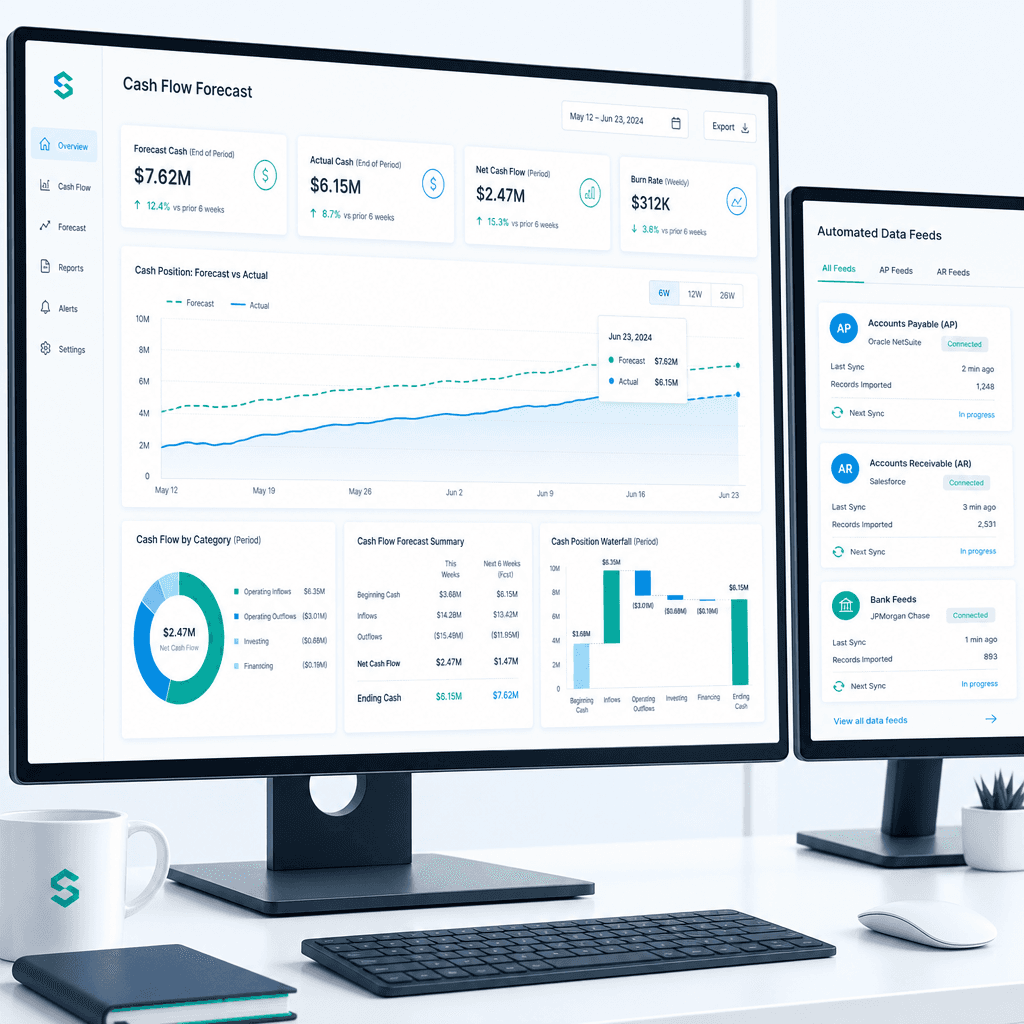
Cash Flow Forecasting Automation: A Practical Guide for Australian Finance Teams (2026)
If your finance team rebuilds the cash flow forecast from scratch every week or every month, you already know where the time goes. Someone pulls an AR ageing…
Finance Automation Statistics Australia: The Data Finance Teams Need to Know (2026)
If you are a CFO or financial controller evaluating finance automation in 2026, you have probably sat through at least one vendor demo where the presenter…
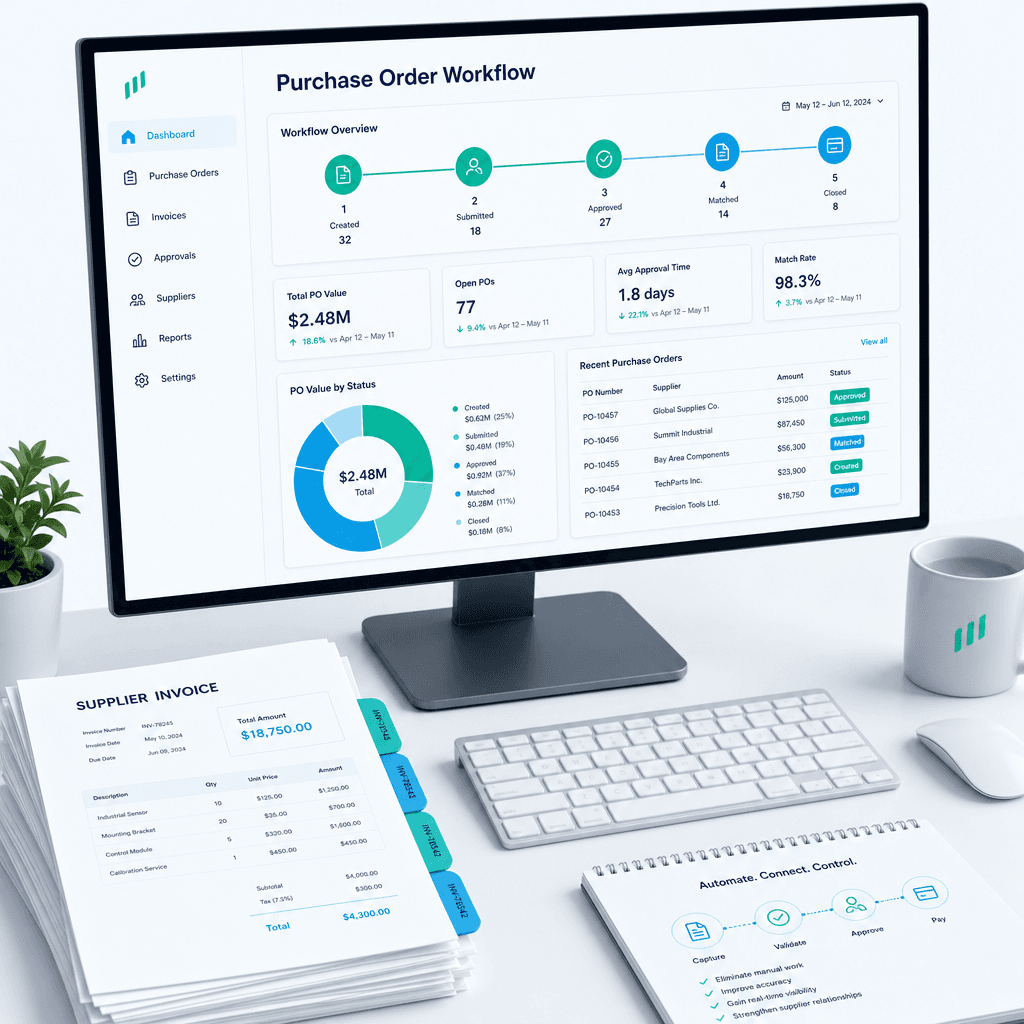
Purchase Order Automation: A Practical Guide for Australian Finance Teams (2026)
If your finance team is still raising purchase orders in a shared inbox, chasing approvals over email, and manually matching invoices line by line before month…